Avery vs PocketSmith

The PocketSmith alternative that lives in a Google Sheet you own

PocketSmith is great for forecasting, but your data stays locked in its app and automatic bank feeds sit behind paid tiers. Avery syncs transactions straight into a live Google Sheet you own, with AI categorization and auto-sync from the start.

Trusted by 1,836+

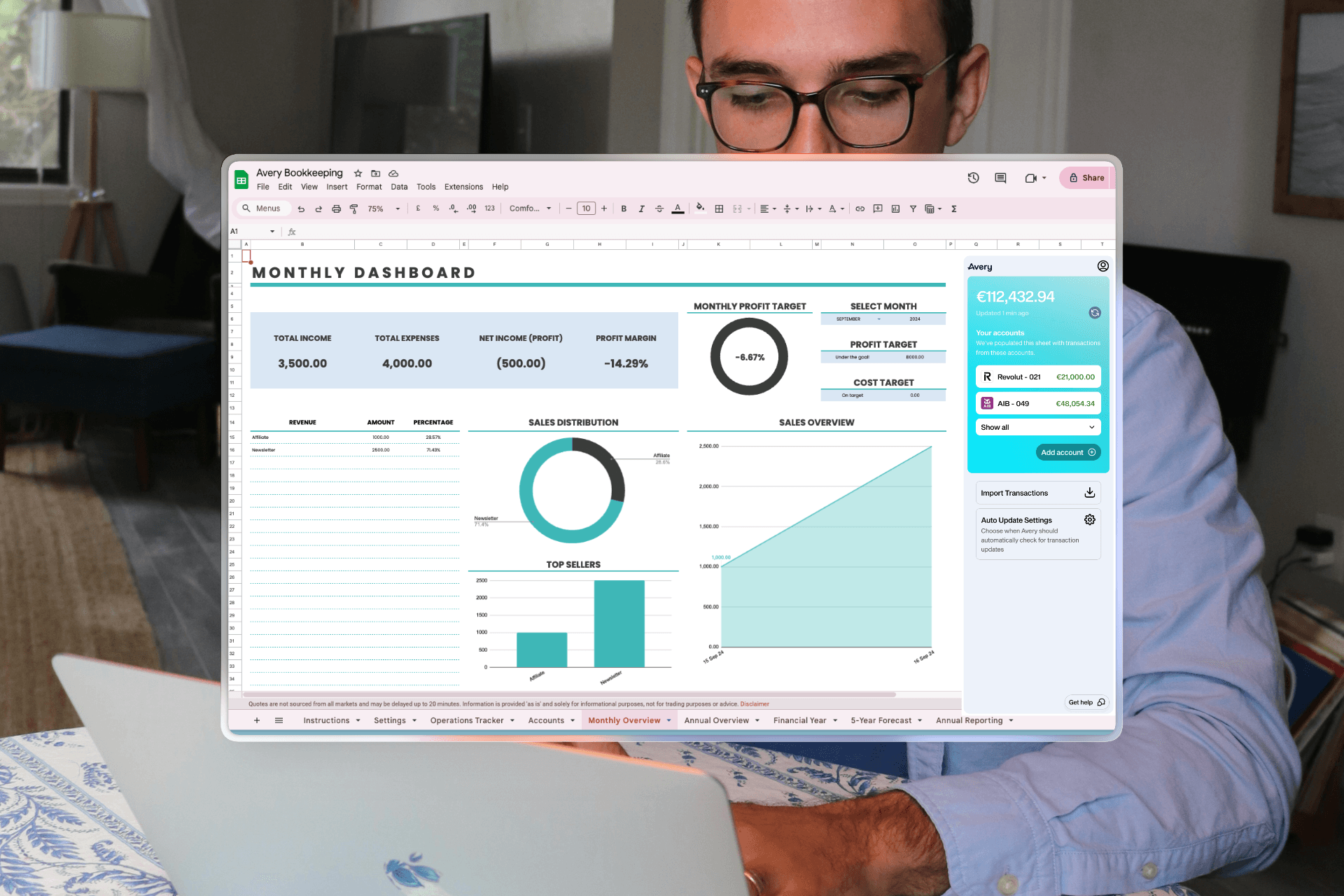
Avery running inside Google Sheets with a live financial dashboard

Connects to major US, UK & European banks

  • HSBCHSBC
  • BarclaysBarclays
  • LloydsLloyds
  • NatWestNatWest
  • SantanderSantander
  • RevolutRevolut
  • AIBAIB
  • NationwideNationwide
Comparison

Everything PocketSmith does, and a lot more.

The same spreadsheet workflow — with smarter automation and wider bank coverage. See how Avery compares, feature by feature.

Avery
PocketSmith
Data lives in a live Google Sheet you own
AI transaction categorization
Rule-based
Automatic bank sync on every plan
Paid plans only
Native Google Sheets formulas & dashboards
In-app only
Free to start
Daily automatic bank sync
Start for free

Free to try — your data stays in your own Google Sheet.

Features

3 reasons Avery is better thanPocketSmith

AI Categorization

Smart Sorting. While You Sleep.

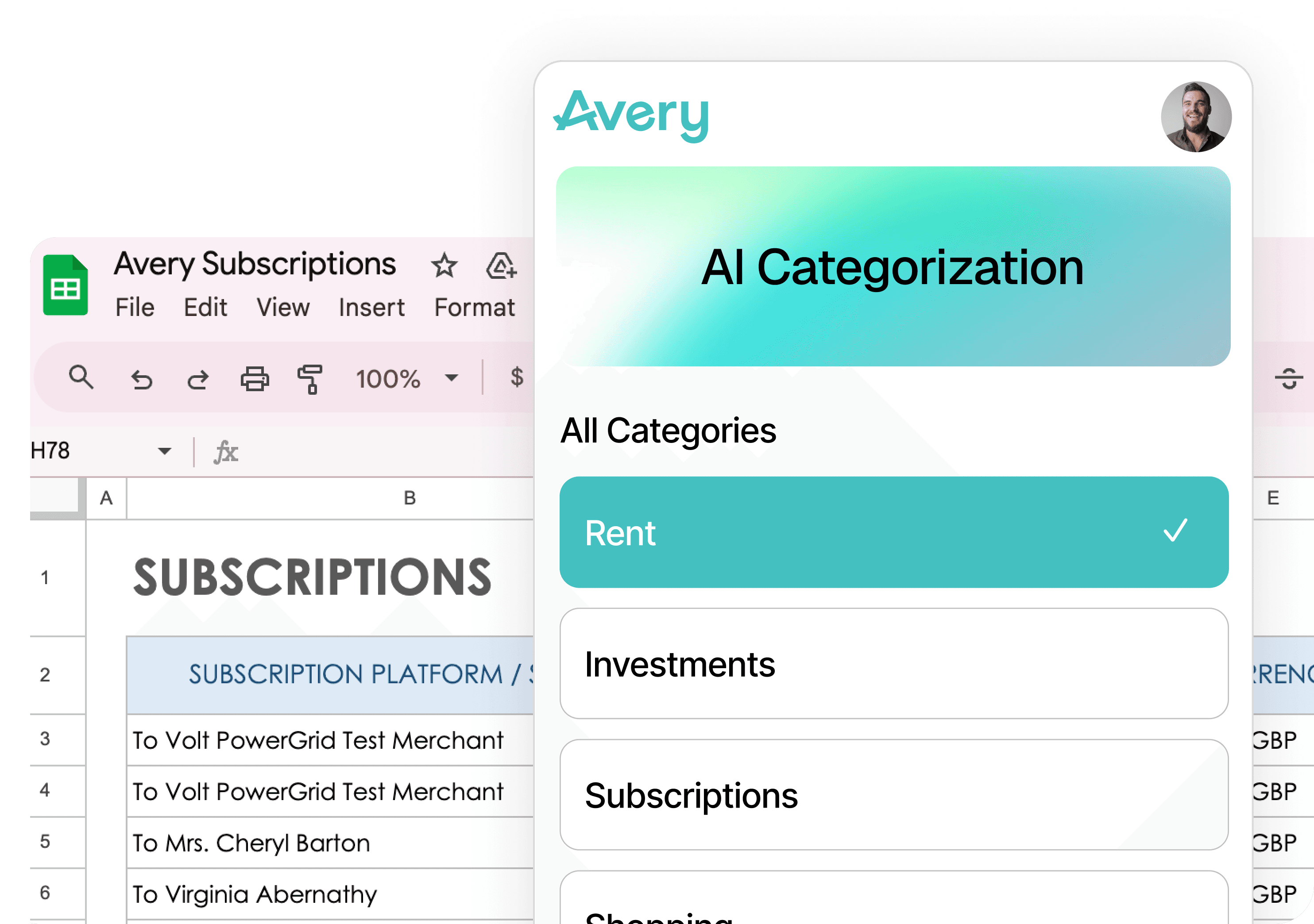
Avery's AI automatically organizes and categorizes your transaction data based on your rules, keeping your budget updated without you lifting a finger.

  • Automated transaction tagging
  • Hands-free spending insights
Avery AI categorization view in Google Sheets

Auto Update

Zero Manual Work.

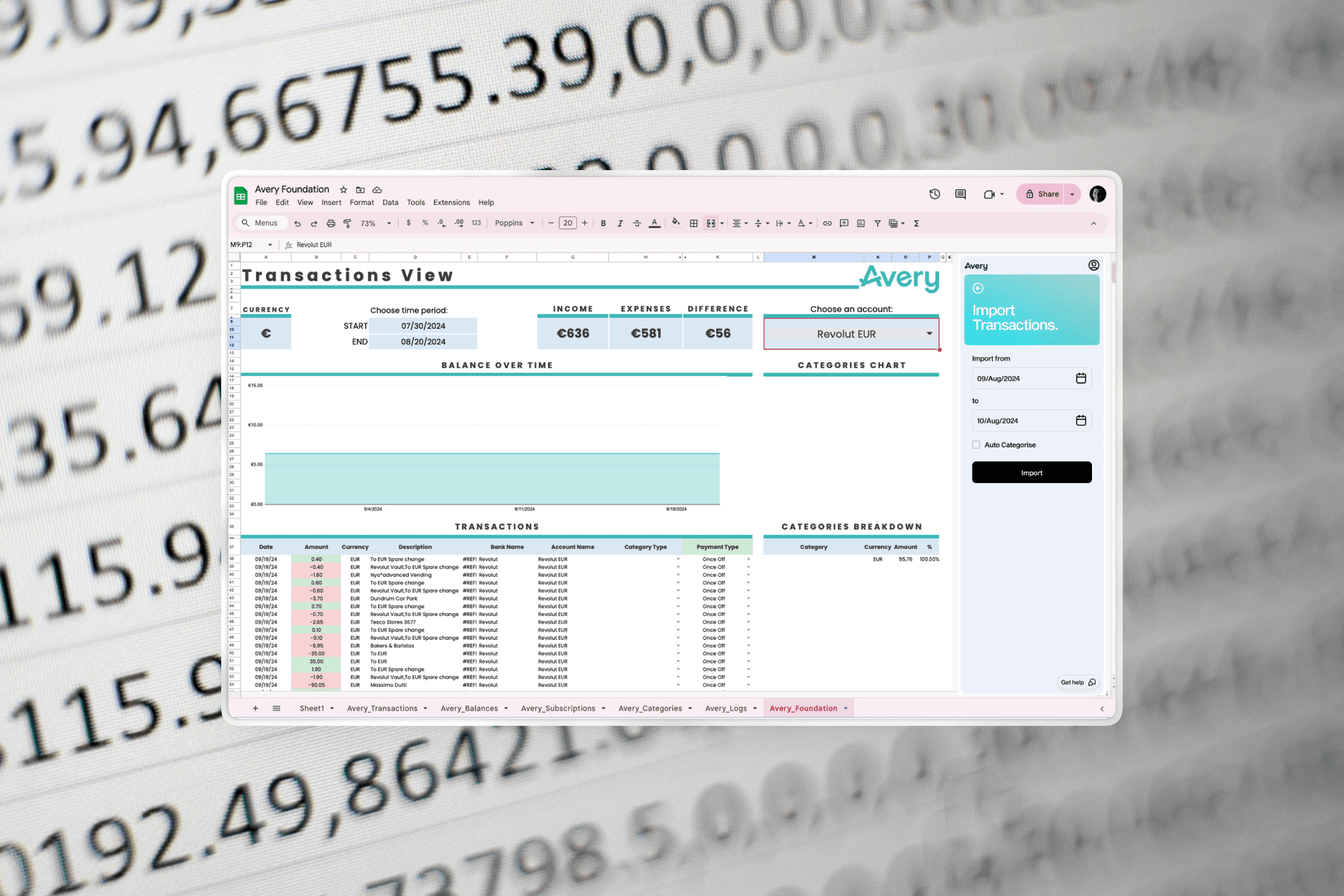
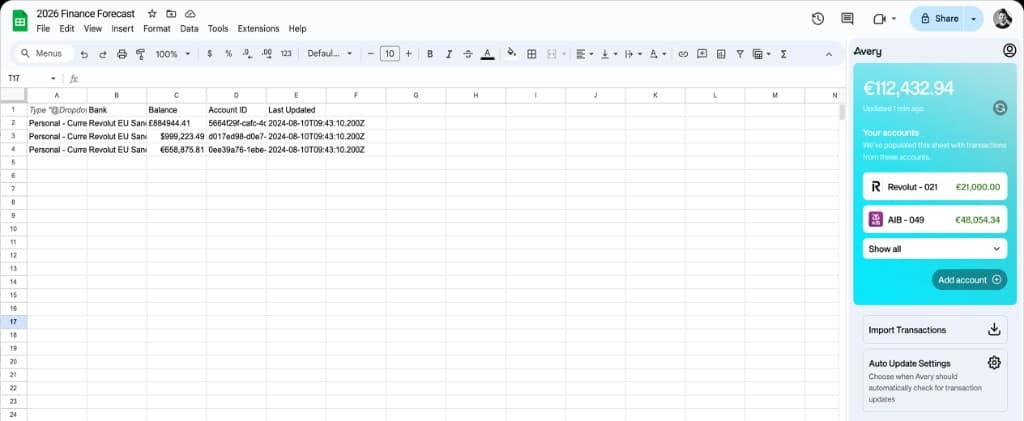
Import every transaction across all your accounts with just two clicks, giving you an instant, accurate view of your finances going back two years.

  • Two-year historical retrieval
  • Multi-account transaction mapping
Avery dashboard view with financial charts

Custom Rules

Set Your Rules. We'll Do The Rest.

Avery automatically categorizes your data and syncs your accounts daily while you sleep, so you stay updated without lifting a finger.

  • Custom categorization rules
  • Daily automated syncing
Avery custom rules and transactions screen
User Stories

What Our Users Say

Customer Note
GenYSolutions
As a software engineer, I value the flexibility to create my own charts and tables. The peace of mind knowing I own my data is critical.

GenYSolutions

FAQ

Frequently Asked Questions

Does PocketSmith sync my bank data into a Google Sheet?
No. PocketSmith stores your data inside its own app. You can export transactions to CSV/XLSX, but it’s a one-time download, not a live Google Sheet. Avery syncs transactions directly into a Google Sheet you own, with live formulas and dashboards.
Can I get automatic bank feeds on PocketSmith’s free plan?
No. PocketSmith’s free plan is manual import only. Automatic bank feeds start on its paid Foundation plan and are capped at six banks from one country. Avery includes automatic daily bank sync from the start.
Does PocketSmith use AI to categorize transactions?
No. PocketSmith uses rule-based categorization — keyword and merchant rules. Avery uses AI categorization that learns from your transactions and rules.
Which countries does each support?
PocketSmith has very broad coverage including Australia, New Zealand, and Canada. Avery covers the US, UK, Ireland, Germany, France, and Spain. If you bank in AU, NZ, or Canada, PocketSmith fits today; if you want a live, AI-categorized Google Sheet in a supported region, Avery does.