Avery vs Tiller

The Tiller alternative with AI categorization and US, UK & European bank sync

A simpler, spreadsheet-first alternative to Tiller for people who want bank sync, categorization, and Google Sheets control. Avery brings your bank transactions into Google Sheets automatically — like Tiller, but with AI categorization instead of manual rules and open-banking connections across the US, UK, and Europe.

Trusted by 1,836+

Last updated June 2026 · prices and bank coverage reviewed regularly

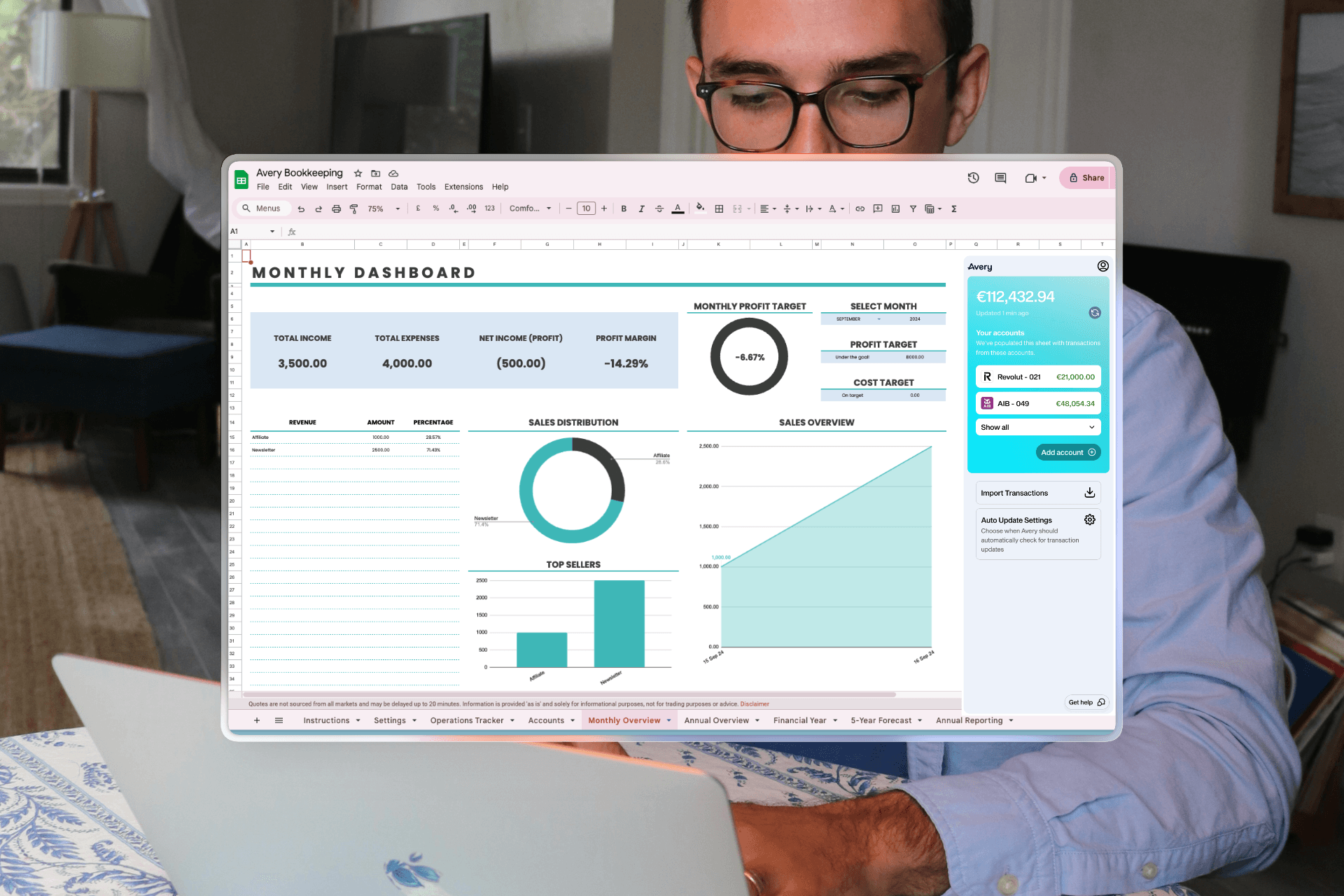
Avery running inside Google Sheets with a live financial dashboard

Connects to major US, UK & European banks

  • HSBCHSBC
  • BarclaysBarclays
  • LloydsLloyds
  • NatWestNatWest
  • SantanderSantander
  • RevolutRevolut
  • AIBAIB
  • NationwideNationwide
Comparison

Everything Tiller does, and a lot more.

The same spreadsheet workflow — with smarter automation and wider bank coverage. See how Avery compares, feature by feature.

Avery
Tiller
Syncs bank transactions into Google Sheets
AI automatic transaction categorization
Rules only
Connects to UK & European banks
Connects to US & Canadian banks
US only
Your data stays in your own spreadsheet
Fully customizable categories, formulas & dashboards
Start for free

Free to try — your data stays in your own Google Sheet.

Avery vs Tiller

How Avery compares to Tiller

Both put your bank data in Google Sheets

Tiller and Avery share the same core idea: automatic bank transactions flowing into a Google Sheet you own, instead of a closed app. If you already love the spreadsheet workflow, both will feel familiar — the real differences are categorization, bank coverage, and pricing.

  • Transactions sync straight into Google Sheets
  • Your data stays in your own Google Drive
  • Full spreadsheet formulas, charts & dashboards
  • No closed app to log into

AI categorization vs manual rules

This is the biggest day-to-day difference. Tiller categorizes with AutoCat — keyword and merchant rules you set up and maintain by hand. Avery uses AI that categorizes transactions automatically and learns from your corrections, so you spend far less time writing and fixing rules.

  • Tiller: manual AutoCat keyword/merchant rules
  • Avery: AI categorization that learns from you
  • Less time maintaining rule lists
  • Still fully editable inside your sheet

US, UK & European bank sync

Tiller connects US and Canadian banks only (via Plaid). Avery connects banks across the US via Plaid and the UK, Ireland, Germany, France, and Spain via GoCardless open banking — so it works for people Tiller can’t serve today.

  • Tiller: US & Canada only
  • Avery: US, UK, Ireland, Germany, France & Spain
  • Open banking via Plaid and GoCardless
  • Connect Revolut, Monzo, N26 and more

Pricing

Tiller is subscription-only at $79/year after a 30-day trial, with no permanent free tier. Avery is free to start and $9.99/month when you upgrade — so you can use it indefinitely for free rather than racing a trial clock.

  • Tiller: 30-day trial, then $79/year (annual only)
  • Avery: free to start, $9.99/mo when you upgrade
  • No trial countdown to begin
  • Same Google-Sheets-first model

Template flexibility

Tiller’s strength is its large library of community templates and its Foundation Template. Avery ships ready-made budgeting templates, and because everything is a normal Google Sheet, you can build or paste in any layout, tracker, or dashboard you like.

  • Avery: ready-made budgeting templates included
  • Build any custom layout in standard Google Sheets
  • Tiller: large community template gallery
  • Both let you fully customize your sheet

Who should pick Tiller vs Avery

Honest take: if you bank in the US or Canada, enjoy fine-tuning your own categorization rules, and want Tiller’s mature template gallery, Tiller is a great choice. If you want AI categorization that just works, UK or European bank support, and a free way to start, Avery is the better fit.

  • Pick Tiller: US/Canada, love manual rules & its templates
  • Pick Avery: want AI categorization and less upkeep
  • Pick Avery: you bank in the UK or Europe
  • Pick Avery: you want to start free
Features

3 reasons Avery is better thanTiller

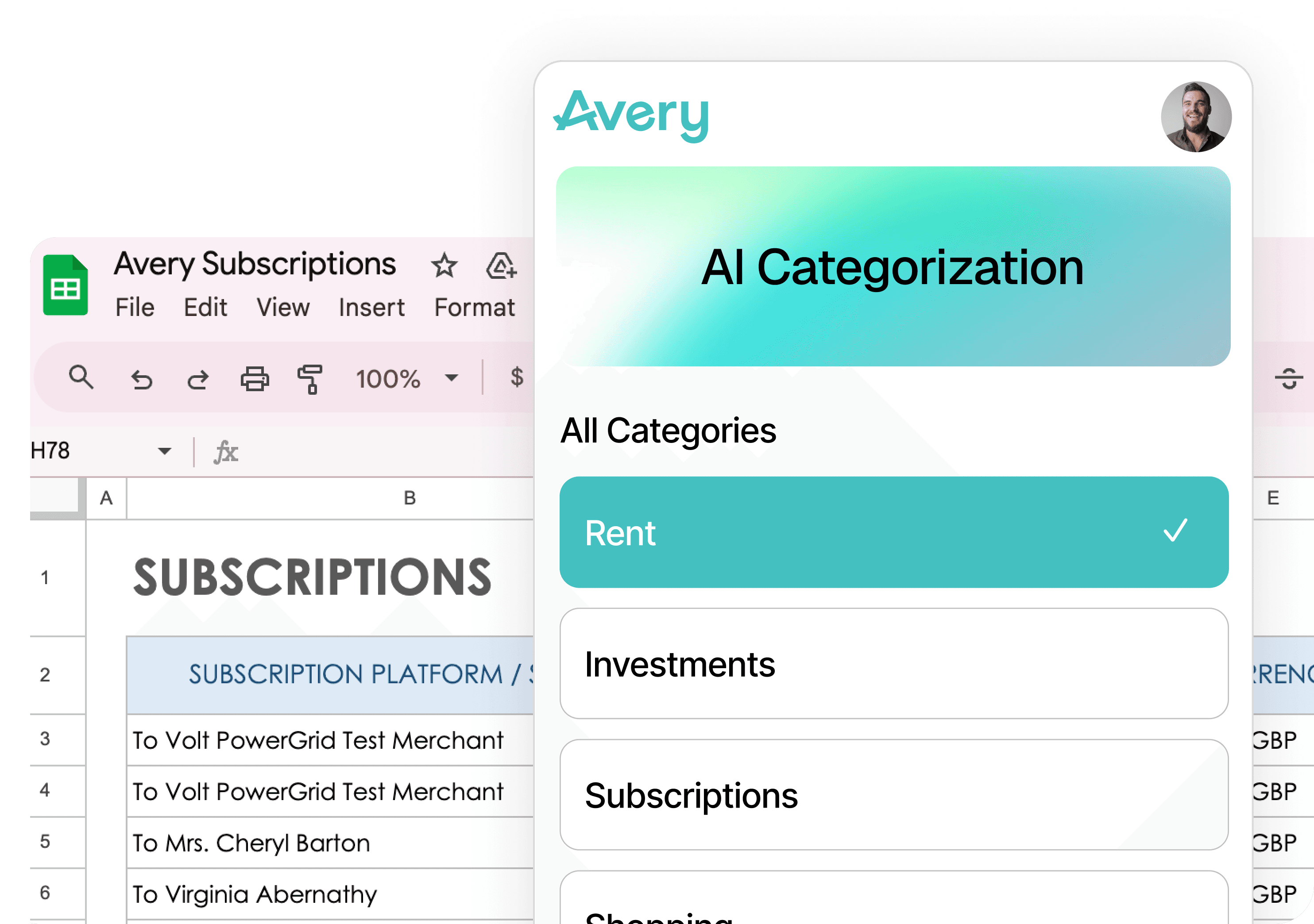
AI Categorization

Smart Sorting. While You Sleep.

Avery's AI automatically organizes and categorizes your transaction data based on your rules, keeping your budget updated without you lifting a finger.

  • Automated transaction tagging
  • Hands-free spending insights
Avery AI categorization view in Google Sheets

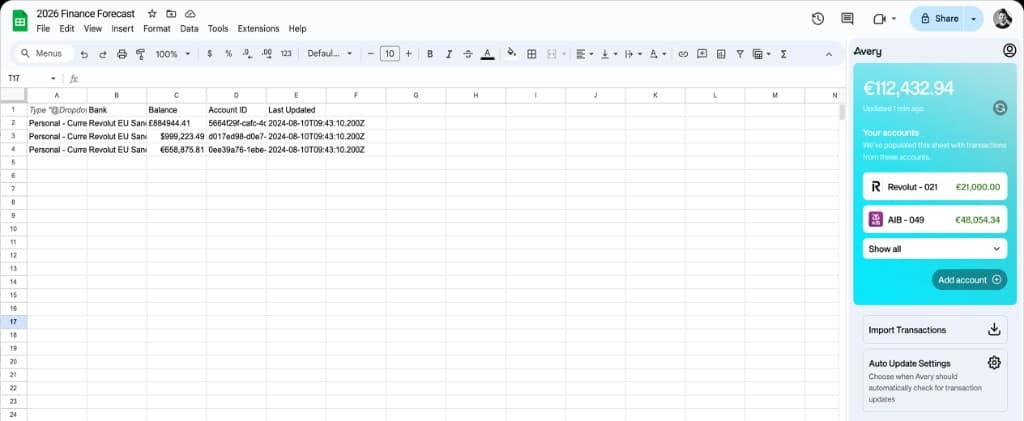
Auto Update

Zero Manual Work.

Import every transaction across all your accounts with just two clicks, giving you an instant, accurate view of your finances going back two years.

  • Two-year historical retrieval
  • Multi-account transaction mapping
Avery dashboard view with financial charts

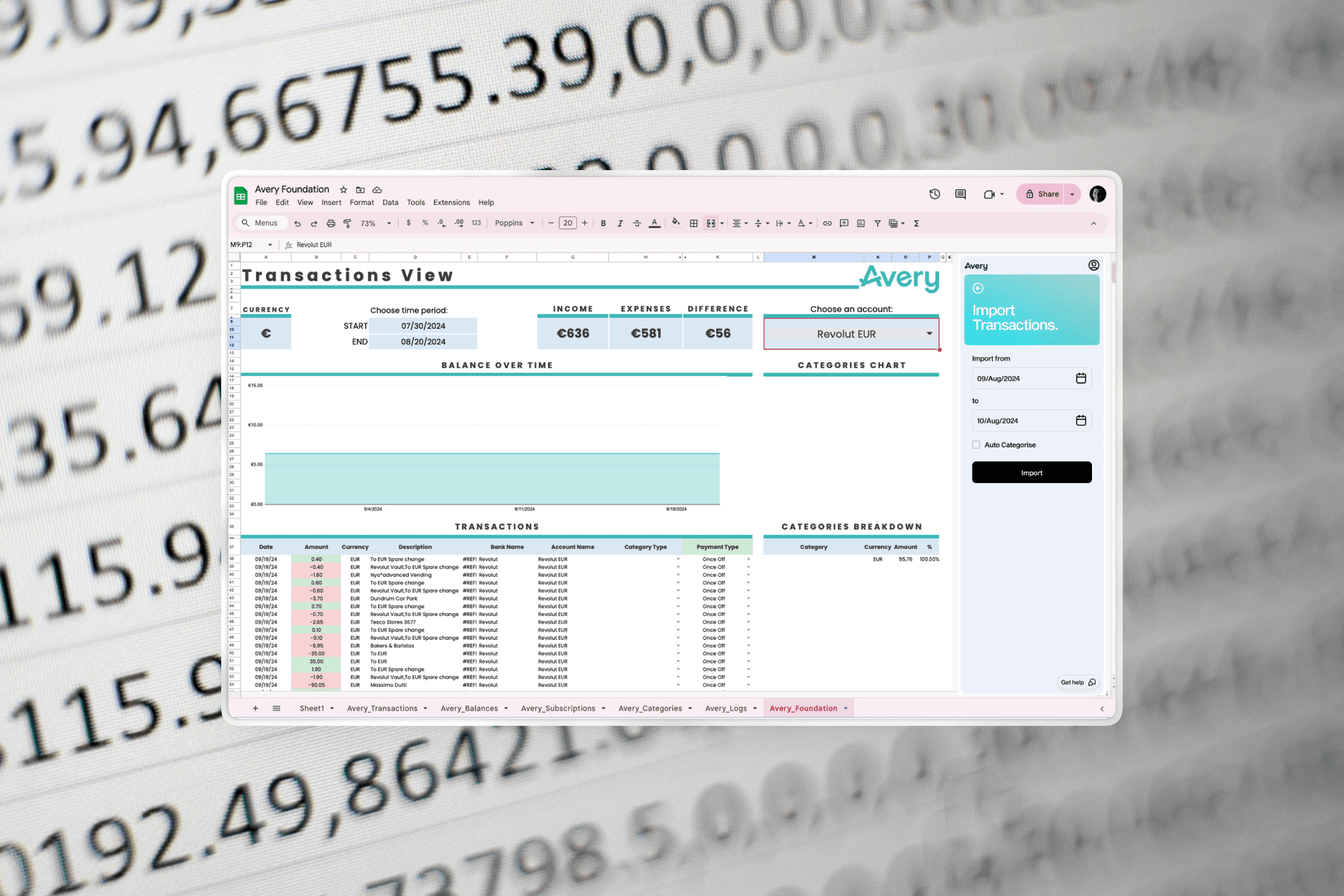
Custom Rules

Set Your Rules. We'll Do The Rest.

Avery automatically categorizes your data and syncs your accounts daily while you sleep, so you stay updated without lifting a finger.

  • Custom categorization rules
  • Daily automated syncing
Avery custom rules and transactions screen
User Stories

What Our Users Say

Customer Note
GenYSolutions
As a software engineer, I value the flexibility to create my own charts and tables. The peace of mind knowing I own my data is critical.

GenYSolutions

FAQ

Frequently Asked Questions

Is Avery a good Tiller alternative?
Yes. Like Tiller, Avery automatically syncs your bank transactions into Google Sheets that you own. Avery adds AI-powered categorization and connects to banks across the US, UK, and Europe.
How is Avery different from Tiller?
Tiller categorizes transactions with manual rules (AutoCat) and supports US banks only. Avery categorizes automatically with AI and connects to banks across North America and Europe through open banking.
Does Avery work outside the US like Tiller?
Avery connects to banks across the US, UK, Ireland, Germany, France, and Spain. Tiller currently supports US banks only, so Avery is a strong option if you bank outside the US.
Do I keep ownership of my data with Avery?
Yes. Just like Tiller, your transactions live in your own Google Sheet that you control. Avery never locks your financial data inside a closed app.